
Designed for consultants who want to bill smarter, get paid faster, and look professional.
Ideal for management consultants, IT experts, freelancers, and advisory firms handling client projects or retainers.
Pre-built formulas, auto-calculated totals, and ready-to-use structure
Fully editable invoice format for Microsoft Word & Google Docs
No signup required • Export to PDF in seconds
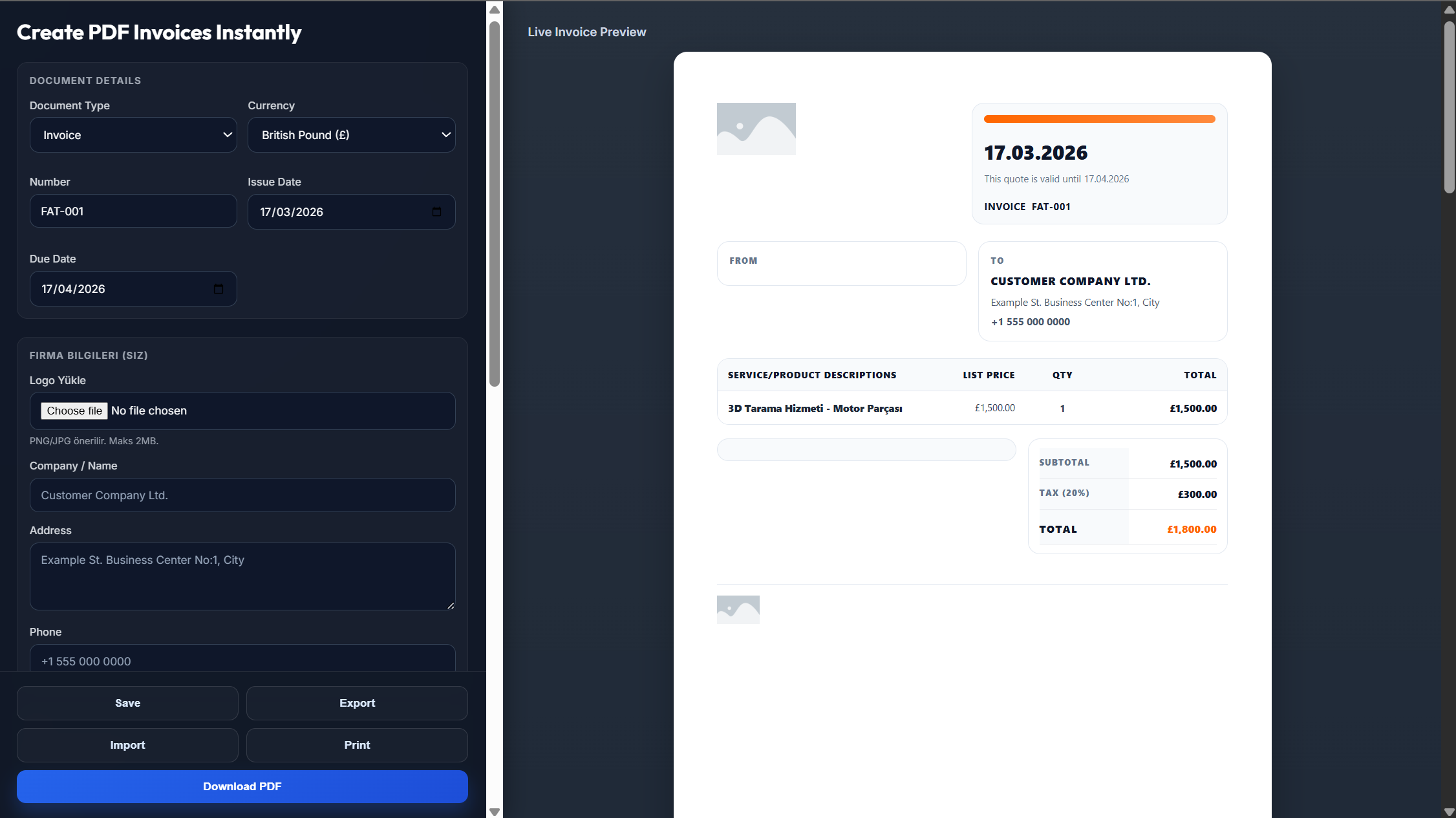
A consulting invoice is used whenever you're billing clients for professional advice, strategic input, or project-based work.
Detailed breakdown of time spent on meetings, analysis, planning, and execution with your rates
Highlight key outputs such as reports, presentations, strategies, or recommendations delivered
Include charges for training sessions, team workshops, or stakeholder meetings
Creating a professional consulting invoice is essential for maintaining credibility and ensuring timely payments.
Track billable hours accurately with daily logging instead of estimating later
Add expenses easily and link invoices to projects or engagements
Agree on pricing (hourly, fixed, or retainer) and document in a statement of work
Automatically calculate totals and taxes to save time and reduce errors
Getting paid on time starts with a solid billing process
Clearly agree on pricing (hourly, fixed, or retainer), deliverables, timelines, and payment terms.
Break payments into stages: 30% upfront, 30% during, 40% upon completion for steady cash flow.
Record your hours daily instead of estimating later. Send invoices on a consistent schedule.
Everything you need to manage client engagements and get paid faster
Everything you need to know about consulting invoicing
Include client details, services provided, hours worked, rates, total amount, payment terms, and engagement references.
Hourly works best for flexible work, while fixed pricing is ideal for clearly defined deliverables.
Retainers are billed upfront (usually monthly) for ongoing access to your services.
Net 15 and Net 30 are common. For new clients, upfront or partial payments are recommended.
List each expense separately with a clear description and include receipts if needed.
Yes, all templates are fully customizable in Word, Excel, or your preferred editor.