
Designed for independent contractors, subcontractors, and skilled trades professionals.
Easily bill for labour, materials, and project-based work with clarity and confidence. For larger building and renovation projects, you can also use our Construction Invoice Template to organize labor, materials, and project costs more efficiently.
Pre-built formulas, auto-calculated totals, and ready-to-use structure
Fully editable invoice format for Microsoft Word & Google Docs
No signup required • Export to PDF in seconds
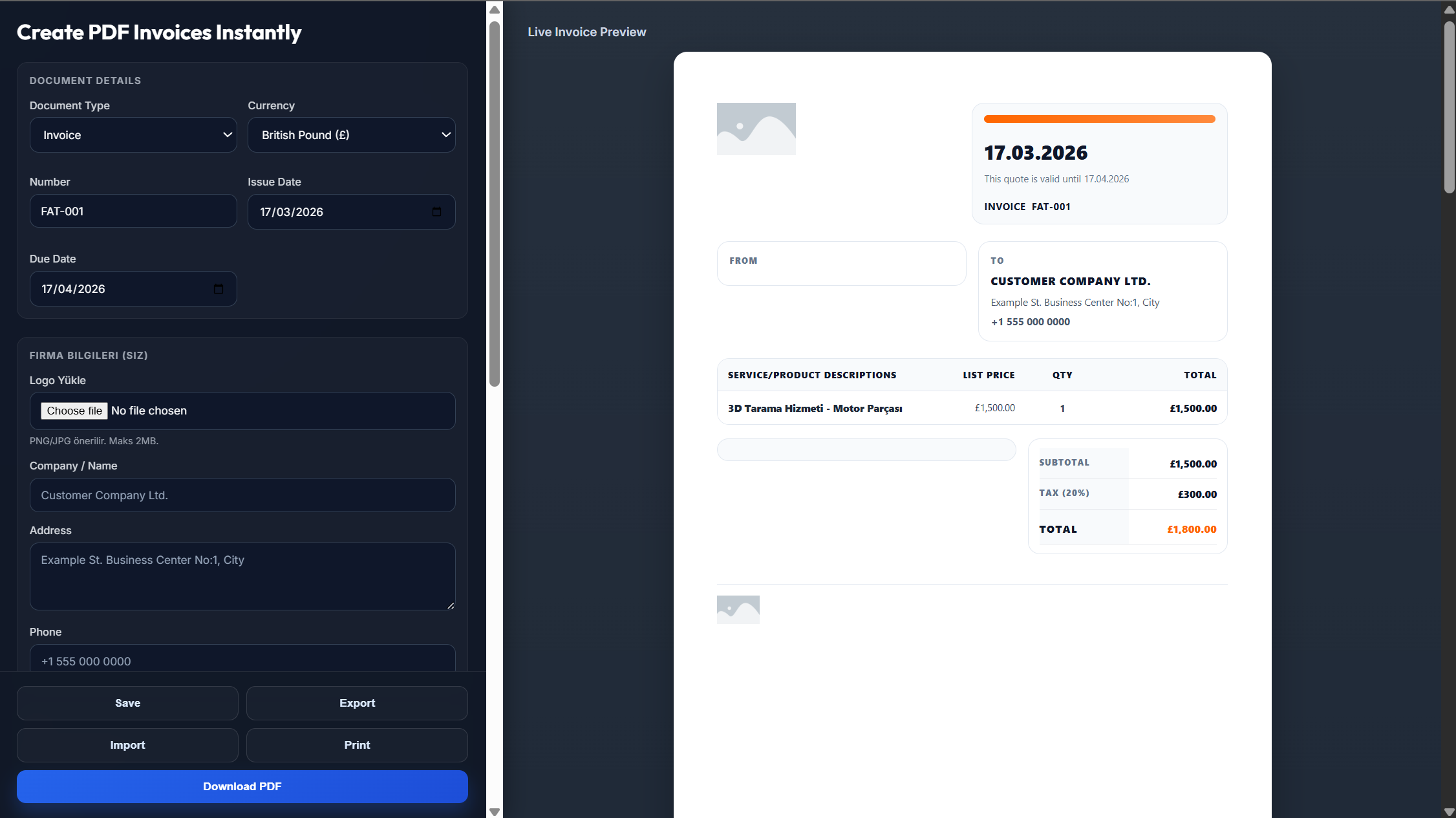
A contractor invoice is essential whenever you complete work and need to request payment from a client. For contractors who specialize in repair, maintenance, and odd jobs, a Handyman Invoice Template can provide a simpler format tailored to smaller service-based projects.
Clear breakdown of hours worked, trade-specific rates, and any overtime or weekend charges
Itemised list of purchased materials with quantities, costs, and markup
Exact work location, property address, and any permit or project references
Creating a professional contractor invoice doesn't have to be complicated. With the right structure, you can bill accurately and get paid faster.
Record hours worked, trade rates, materials purchased with quantities and costs
Include work location, permit references, and your contractor licence number
Use built-in material markup calculator and automatic sales tax
Define deposits, progress billing, or Net terms — export as PDF instantly
Cash flow is critical in contracting. Here are proven strategies to reduce delays
For projects above $1,000, request a 25–50% upfront deposit to cover material costs.
For projects exceeding $5,000, invoice in stages to keep payments flowing.
Add clear late payment terms (1.5–2% monthly) to encourage timely payment.
Everything you need to run your contracting business professionally
Everything you need to know about contractor invoicing
Include labour details, material costs, job site information, payment terms, and your licence details.
Always separate them clearly to maintain transparency and simplify accounting.
Yes — deposits protect your upfront costs and reduce financial risk.
Net 7, Net 14, or milestone-based payments are common in the industry.
In many regions, yes — it adds credibility and may be legally required.
Yes, all templates are fully customizable in Word, Excel, or your preferred editor.