
Consultants use invoices to clearly bill clients and help ensure payments are received on time. If you do not already have a suitable invoice template or need a simpler way to create consulting invoices, our templates can help.
Create Custom InvoiceCreate Your Own Custom Invoice!
Try It FreeBrowse our free consulting invoice templates or explore our main invoice template collection. You can also use our online invoice generator to customize invoices and bill your consulting clients with ease.
If you also offer repair or maintenance consulting services, explore our Handyman Invoice Templates to create professional invoices for every type of project.
Create your first invoice free with our Online Invoice Generator .
Try It Free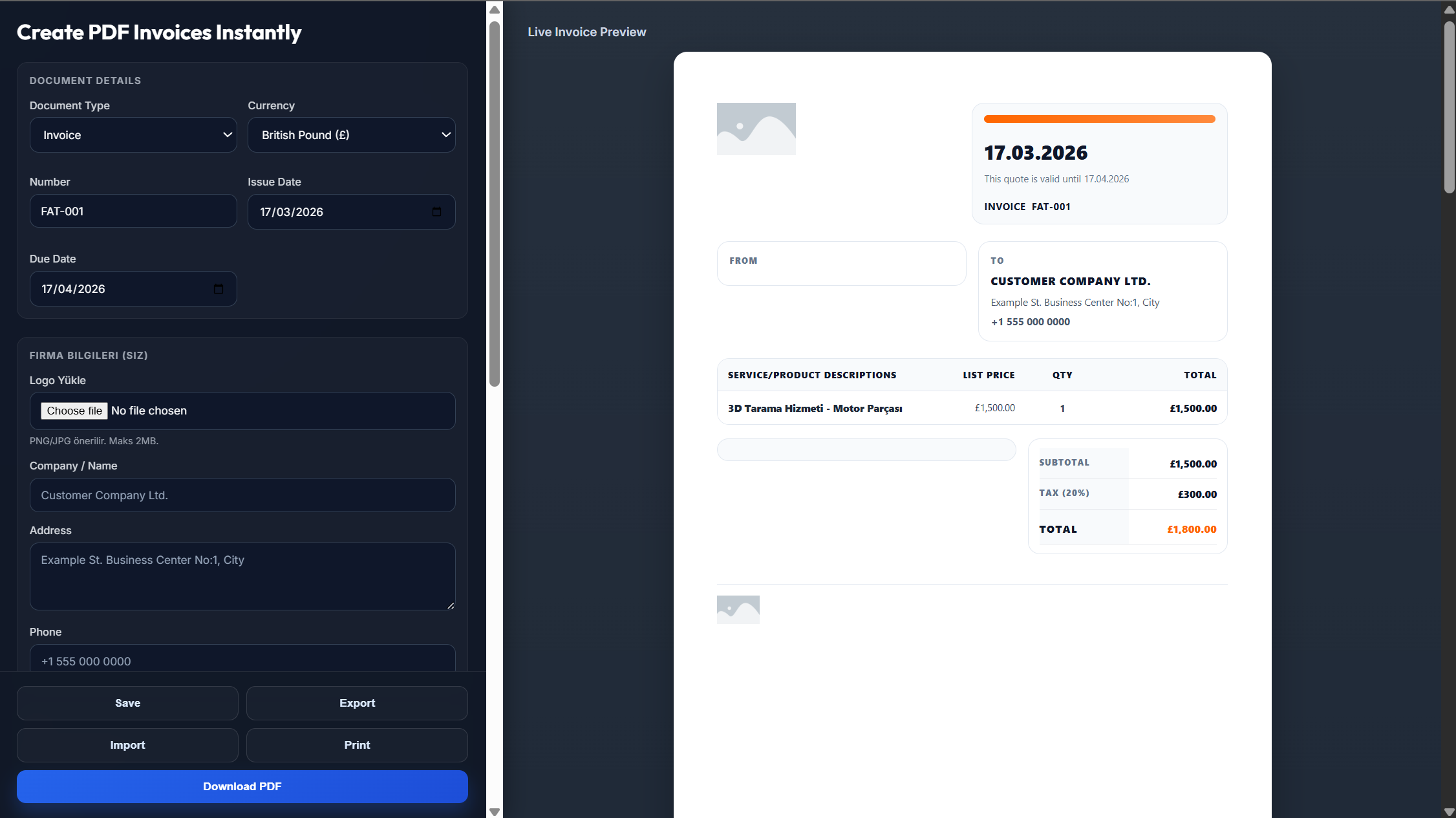
Your consulting invoice is ready, but the next step is making it easy for clients to pay. Offering convenient online payment options can simplify the payment process and help you receive payments faster.
Select a payment processor that suits the needs of your consulting business. Check whether the service provides an all-in-one payment solution or requires a separate merchant account or payment gateway. Remember to compare processing fees before making your choice.
Once your payment system is ready, decide how clients can pay you online. You may add a secure payment form to your website or send invoices and payment links through email or text.
Give clients different ways to complete their payments. Depending on your invoice payment system, you may accept credit cards, debit cards, bank transfers, or other digital payment methods. Providing flexible payment options can make the process more convenient and encourage timely payments.
A consulting invoice should clearly document the services you provided and give your client complete billing information. The top of your invoice should include: your company logo, business and contact information, invoice number and invoice creation date, payment due date. Next, add your client's information and provide a short description of the project and your role as a consultant. Use the invoice to provide a detailed breakdown of each consulting service and its cost. Depending on your pricing structure, you can charge an hourly rate or a fixed rate for individual services. You should also include any relevant terms and conditions, such as the contract period, payment structure, and accepted payment methods. At the bottom of the invoice, show the subtotal, applicable taxes, discounts or advance payments, and the final amount owed by the client. You can also use our online invoice generator to create a customized consulting invoice.
Your invoice should clearly explain the cost of your consulting services and the amount of time spent on each task. Include a short description of each service, your hourly fee, the number of hours worked, and the total charge for each service. If you use a different billing method, calculate and present the charges according to your pricing structure. A detailed breakdown makes it easier for clients to understand how their money is being spent. It also gives you a useful record of the services completed and the time spent on each project.
Yes. Explore our invoice templates page to find additional invoice formats and layouts suitable for different businesses and billing needs.
Clearly display the final amount due on your consulting invoice. Calculate this by adding the relevant subtotals and taxes, then subtracting any deposits or discounts. You should also include clear payment terms so your client understands when and how payment must be made. State the payment methods you accept, the payment due date, and whether late fees apply when an invoice is not paid on time. Clear payment information can help prevent confusion and make the billing process easier for your clients. Choose a consulting invoice template that can be reused for different clients while still matching the way you provide your services.