
Explore our range of invoices for video productions. Feel free to download, customize, and apply the one that is perfect for you and your video production projects.
Customize Your InvoiceCreate Your Own Custom Invoice!
Try It FreeOur invoices include separate sections for labor and material costs. You can browse through our various options of invoice templates or use our easy-to-use invoice generator service to create a professional-looking invoice fast.
If you also create content for online platforms, explore our Social Media Invoice Templates to simplify billing for social media management and digital marketing services.
Generate Your First Invoice for Free Using Online Invoice Generator.
Try It Free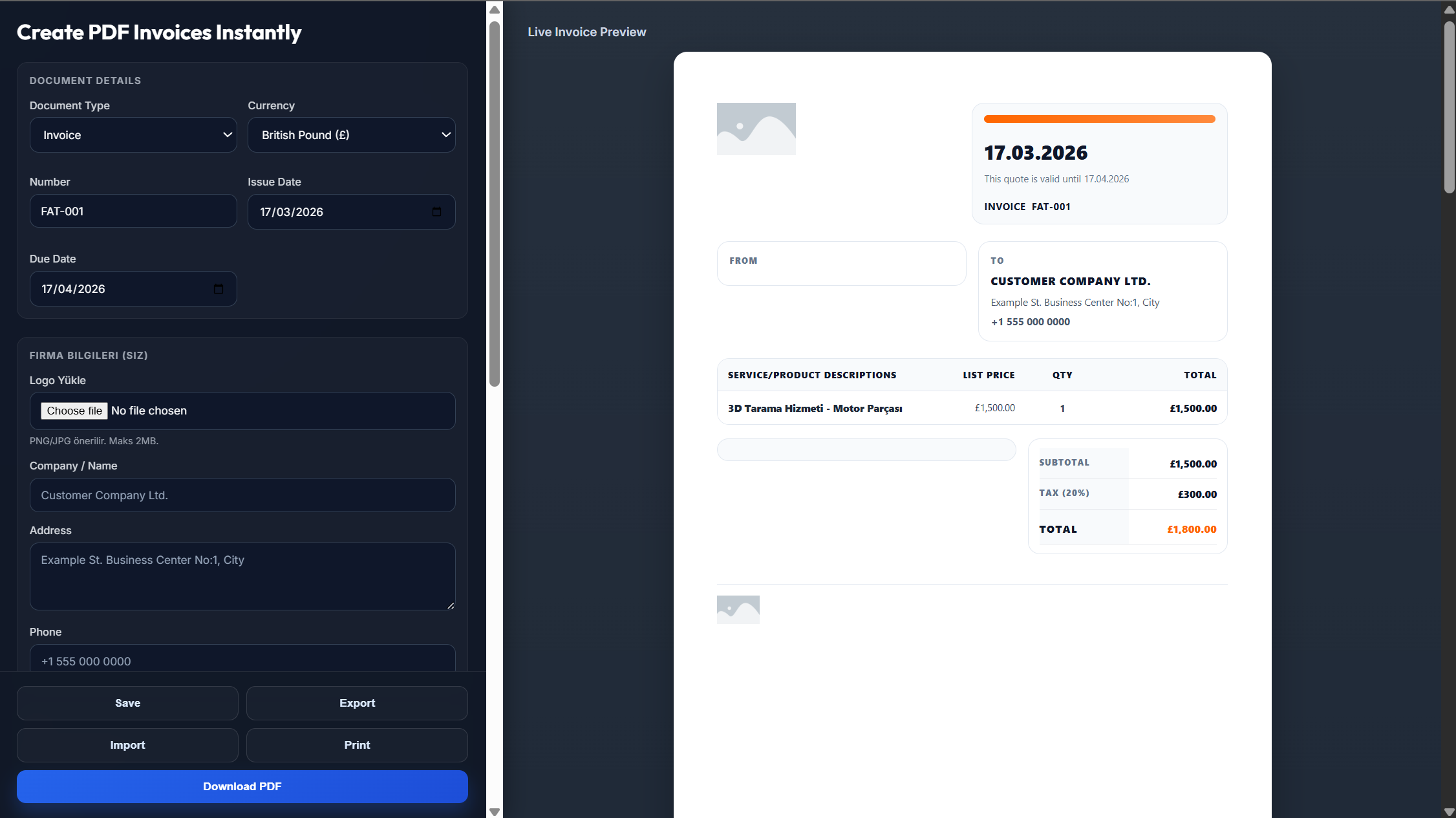
If you are a professional in the video production field, using a video production invoice template will help you bill your customers effectively because:
You will have a structure that allows you to include relevant details about the project and charges that you made.
With proper formatting, you will be presenting your services to the customer professionally.
The invoice fields are ready-made, so they will save you time since you won't have to design a new invoice for each video project.
Need assistance with creating a video production invoice template? No problem!
Access our easy-to-use online invoice generator tool
Create a custom and printable video production invoice that includes all the necessary information for billing
Our generator calculates the subtotals and total due as well
Start by adding your business name, contact details, and logo. Enter the client's information, invoice number, and invoice date. List each video production service with a short description, hours worked or fixed rate, and the related cost. Calculate the subtotal, add applicable taxes or discounts, and clearly display the final amount due. Finish by including payment terms and accepted payment methods before reviewing the invoice for accuracy.
Create sections for your business details, client information, and invoice number. Add an itemized breakdown of video production services, such as filming, editing, and post-production, with the cost of each service. Include the subtotal, applicable taxes, total amount due, payment terms, and due date. Add your logo and branding details to personalize the template.
First, review the invoice and confirm that all production services, equipment charges, and additional expenses are listed correctly. Add the client's information, invoice date, and payment terms. Once complete, send the invoice to your client by email or through your preferred digital invoicing system.
A video production invoice template should include your business logo, contact information, client details, a unique invoice number, and the issue date. Add detailed descriptions of the video production services provided, service duration, itemized charges, subtotal, taxes, total amount due, payment terms, and any relevant project notes.
Personalize your video production invoice by adding your business logo and brand details. Include dedicated sections for production dates and services such as filming, editing, and post-production. You can also add charges for equipment rental, special effects, or other project-specific costs. Clearly display your contact details and payment terms.